JDBC triggers
Select trigger
Executes a custom SELECT statement for incremental polling.
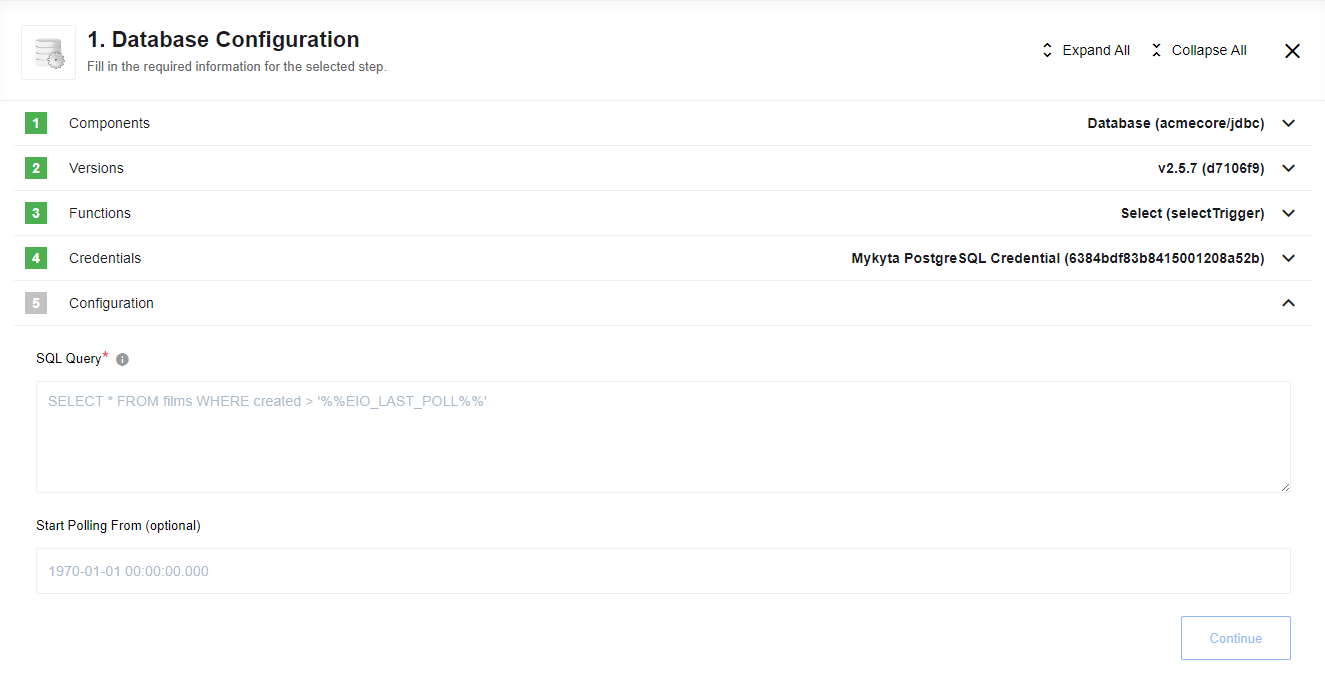
Before execution, the %%AVA_LAST_POLL%% placeholder is replaced with either the ISO date of the last successful execution or the maximum value from the last polled dataset (e.g., 2018-08-01T00:00:00.000).
Initial Execution: During the first execution (when no snapshot exists), the placeholder defaults to midnight of the current day (Today at 00:00:00.000).
- Precision: Polling supports precision up to milliseconds.
- Start Polling From: (Optional) You can manually override the default by providing a value in the format:
yyyy-mm-dd hh:mi:ss[.sss].
Get Rows Polling trigger
Executes an operation that polls multiple rows from the database since the last record.
The %%AVA_LAST_POLL%% placeholder functions similarly to the Select Trigger, tracking the last processed record to ensure only new data is retrieved.
Initial Execution:
If no snapshot exists and the Start Polling From field is empty, the trigger defaults to the Unix Epoch (1970-01-01 00:00:00.000).
Please note Component snapshots are not overwritten in Real-Time flows due to platform behavior. We strongly recommend using the Get Rows Polling trigger in Ordinary Flows only.
Input fields description
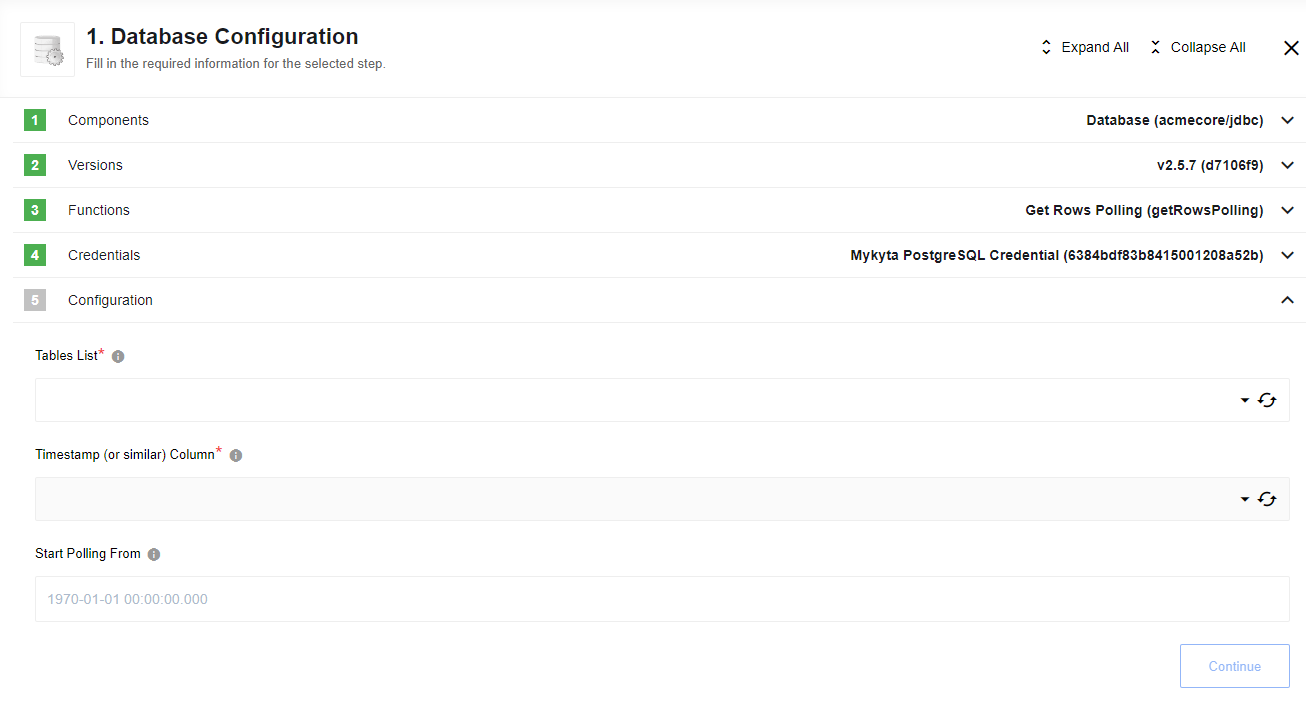
- Tables List: A dropdown of available table names.
- Timestamp Column: A dropdown of columns with
java.sql.Dateorjava.sql.Timestamptypes. - Start Polling From: (Optional) Manually set the beginning time for polling. Defaults to the Unix Epoch (1970-01-01).
SELECT trigger (Deprecated)
This action exists in JDBC component only for backward compatibility. New Select trigger is recommended to use.